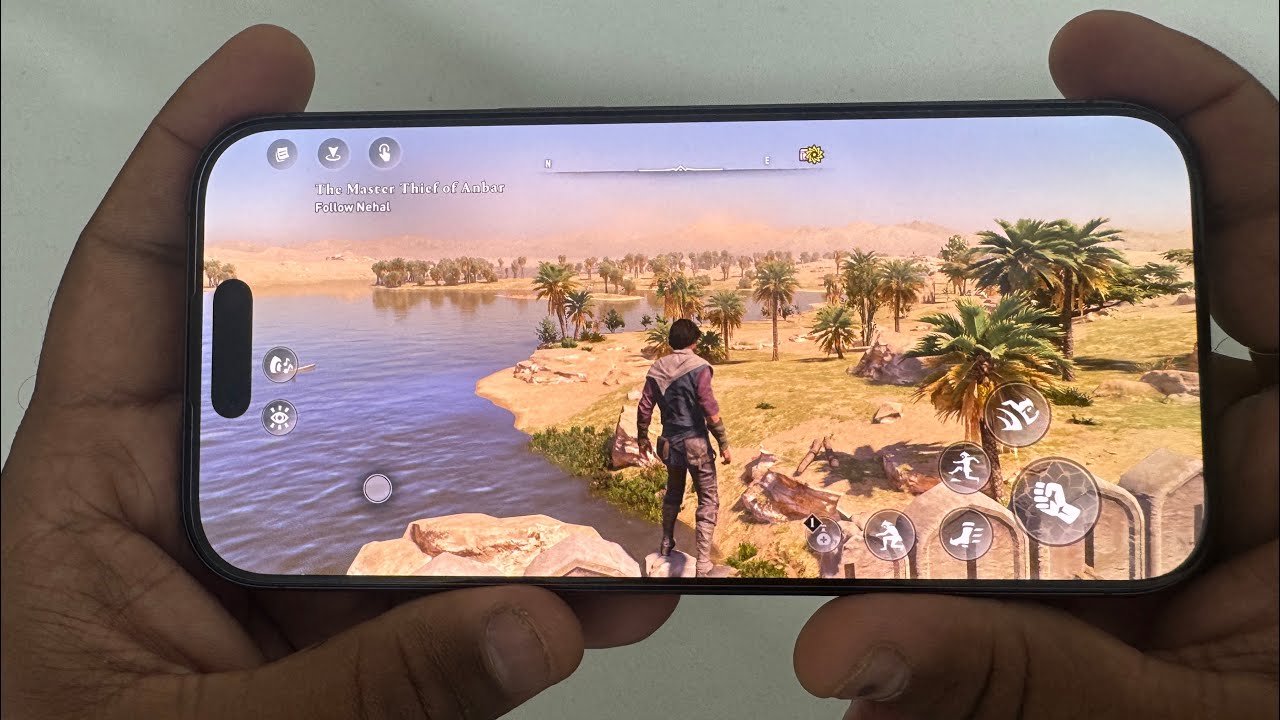
Assassin’s Creed Mirage on iOS
Assassin’s Creed Mirage is a console title game available to play on iPhone 16. AC Mirage is the latest Assassin’s Creed instalment available on iOS devices. In this post, I show you how the iPhone 16 handle these console games very smoothly. No lag and no heating at all on the devices. iPhones are such a powerful machine.
How to Install Assassin’s Creed Mirage on iOS
- 1. Download the Assassin’s Creed Mirage on iOS devices from the App Store
- 2. Install it on your device; it occupies around 13GB of space on your device, so keep empty space up to 20GB on your iPhone.
- 3. Run the game; it requires an internet connection to start and log in to your Ubisoft account
Also view:– RE 4 Remake on iPhone 16
Assassin’s Creed Mirage iPhone Gameplay
Apple launched lots of AAA title games for iOS, like RE 4 Remake, RE 2 Remake, RE 3 Remake, Sniper Elite 4, etc. Recently, Sniper Elite 5 and Hitman 3 were announced for iOS devices.
[…] Also Read:- How to Install Ac Mirage on iOS […]
[…] Also Read:- How to Install AC Mirage on iOS […]
[…] How to Run AC Mirage on iOS:- Here […]