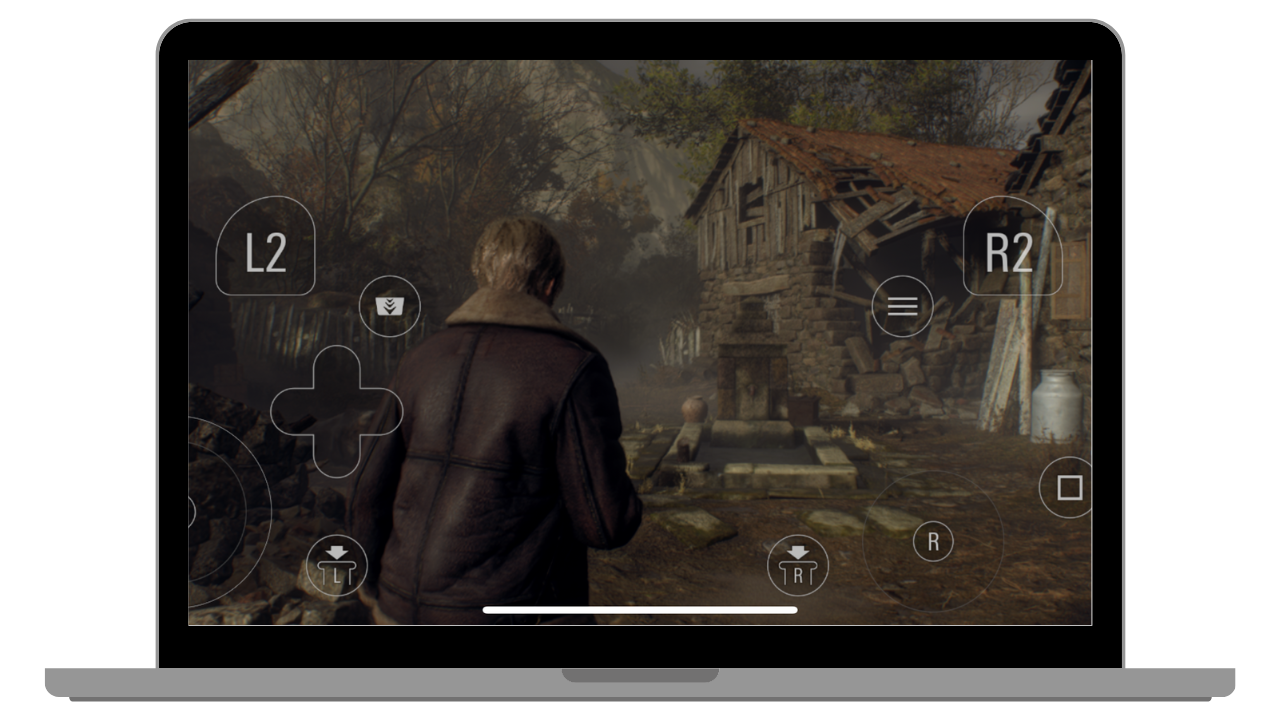
How to Download Resident Evil 4 on iOS Devices
Hello Everyone, in this post, we will be talking about how to download Resident Evil 4 on iOS devices and iPads. Its very simple process because Resident Evil 4 is officially available on iOS, but some peoples confused about it. It is a Paid Game to download on iOS.
Here are some basic instructions to download RE 4 Remake on iPhones.
- Open the App Store on your device
- Search Resident Evil 4 Remake
- Download it directly to your device.
- After downloading from the App Store, it will also download from in-game. It’s a huge game, you can keep 42 GB of space to play this full game.
You can also Watch Gameplay Here on iPhone 16
You can also check out our How to Run Game section on our website. Stay tuned with us for more posts.